

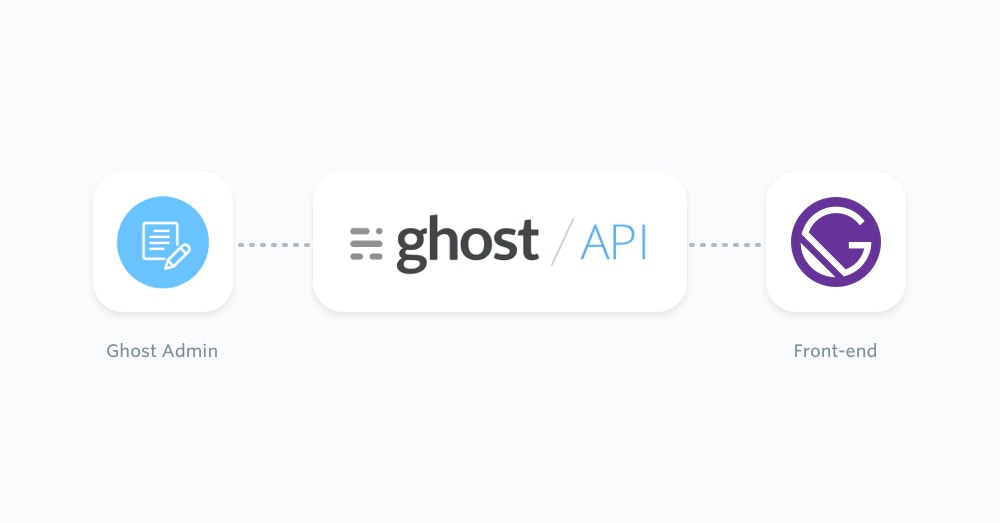
Gatsby and Ghost
Gatsby works well with Ghost when Ghost is the CMS and Gatsby is the static front-end. Editors keep writing in Ghost Admin. Gatsby reads published content from the Content API at build time, then creates pages from that content. For most Gatsby sites, use the official JavaScript Content API client. It is maintained as part of the TryGhost SDK and works in Node.js during Gatsby builds. Use the Admin API only in private server-side code, such as an import script or publishing workflow. Do not expose an Admin API key in Gatsby browser code.Prerequisites
This configuration requires basic knowledge of JavaScript and React. You will also need:- A running Ghost site, either self-hosted or on Ghost(Pro)
- A custom integration in Ghost Admin so you can copy the Content API URL and key
- A Gatsby project
Start from a new Gatsby site
If you already have a Gatsby site, skip to the Content API setup. Otherwise, create a new Gatsby project with the current Gatsby tooling:Install the Ghost Content API client
Install the Ghost Content API client in the Gatsby project:.ghost.io URL. For self-hosted Ghost, use the public URL for your Ghost install.
Gatsby loads .env.development and .env.production, but Gatsby’s Node APIs need dotenv to be configured in gatsby-config.js:
Fetch all posts during the Gatsby build
Gatsby runsgatsby-node.js during builds. Use it to fetch Ghost posts and pages, then create static pages from that content.
meta.pagination.next value until there are no more pages. See pagination for building static sites and Content API pagination for the underlying API behavior.
Render a post template
Create a Gatsby template that reads the Ghost post frompageContext.
dangerouslySetInnerHTML is normal for a trusted CMS source, but do not mix this with untrusted user-submitted HTML.
Render a page template
Thegatsby-node.js example also creates pages, so add a matching page template:
Add pages, tags, authors, and settings
The Content API exposes the resources Gatsby usually needs for a headless site:createPage() for any resource that needs its own route, such as posts, pages, tag archives, or author archives. Use Gatsby’s built-in Head API for page metadata, and the official gatsby-plugin-sitemap package if you need a generated sitemap.
If you prefer Gatsby’s GraphQL data layer, you can use Gatsby’s sourceNodes API to create nodes from these same Content API responses.
Use the Admin API from private scripts
The Admin API can create, update, and publish content. It is useful for migrations or custom editorial tooling, but it is not needed to render a public Gatsby front-end. Install the Admin API client only where the key stays private:GHOST_ADMIN_API_KEY to the browser.
Next steps
Read the Content API JavaScript client docs for available endpoints and options. Gatsby’s Node API documentation explains howcreatePages and sourceNodes fit into the Gatsby build.
Gatsby output is static, so new Ghost content appears after the next Gatsby build. Most hosting providers let you trigger a rebuild from a Ghost webhook or build hook.