

How it works
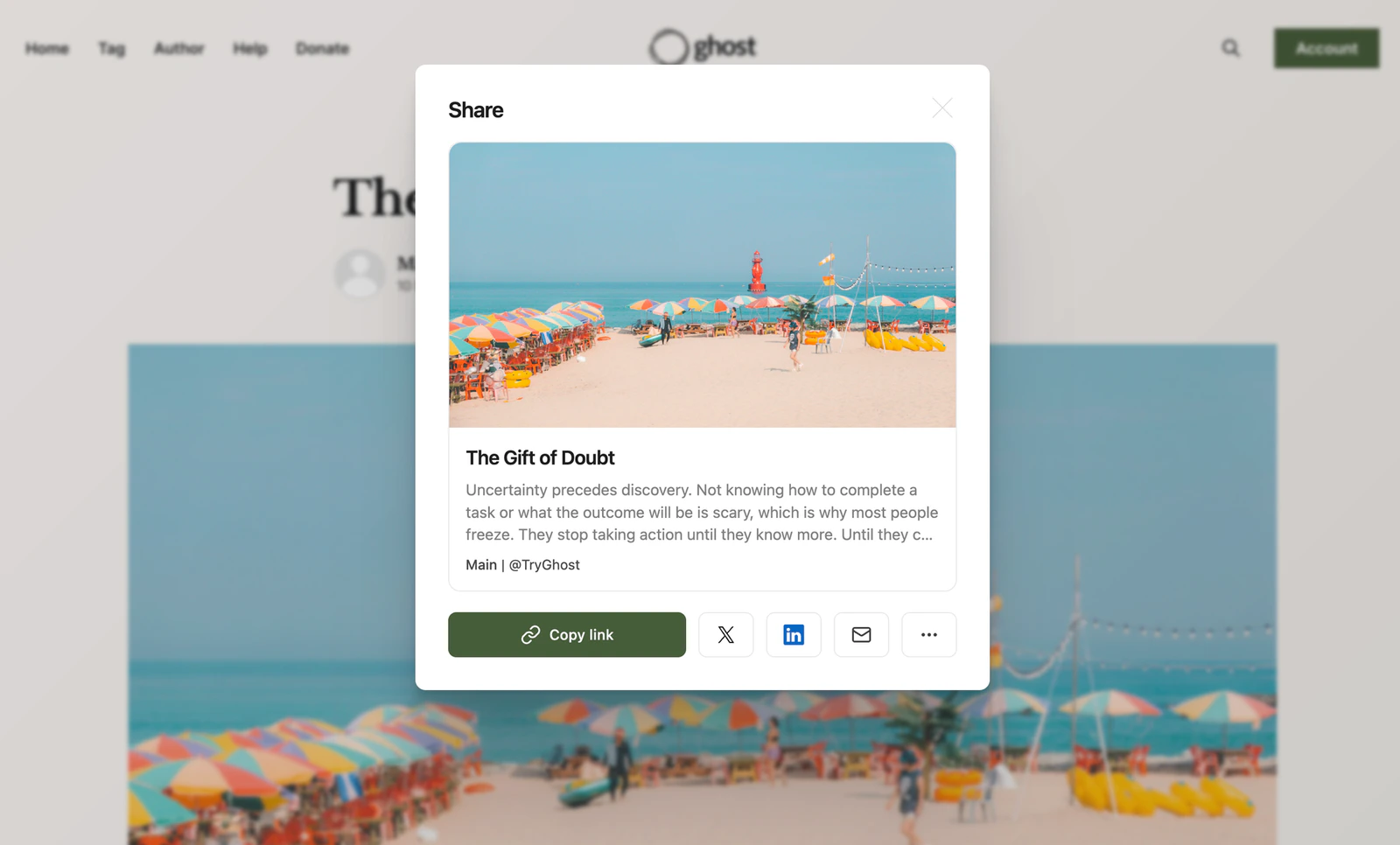
The share modal is triggered by linking to#/share on any URL. When a reader clicks a link that ends with #/share, Ghost opens a default modal with share options. Selecting a platform opens it with the current post’s title and link pre-populated in a draft, ready to publish.
Adding share to your theme
To expose the native share experience to readers, add a link to#/share anywhere in your theme:
Theme compatibility
Themes without a#/share link will continue to work as normal. All official Ghost themes already include a share link out of the box.