

Run the migration

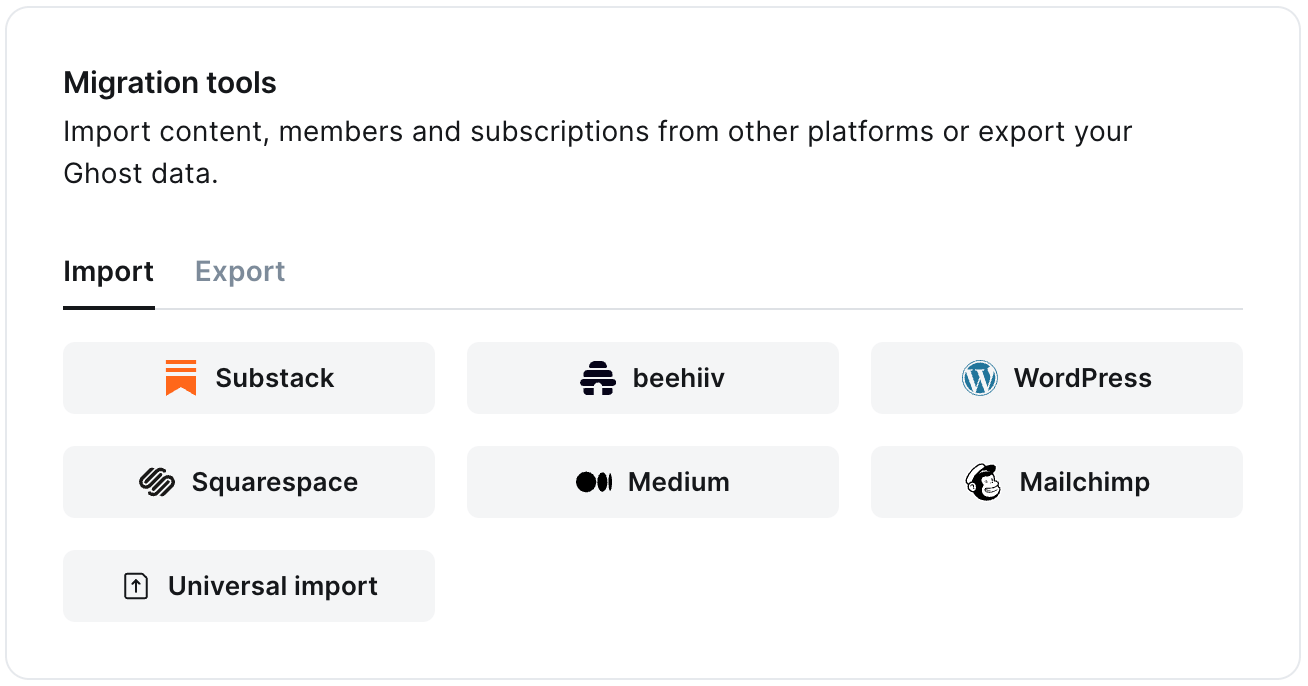
The beehiiv migrator allows you to quickly import content and members from your beehiiv to your Ghost publication. You can access the migrator tool from the Settings → Advanced → Import/Export area of Ghost Admin. The in app Migrate Tools It’s helpful to log in to your beehiiv account before running the migration in Ghost Admin.
1. Enter your beehiiv API key

To start the migration process, create an API key & paste it into the text box, and click Continue.
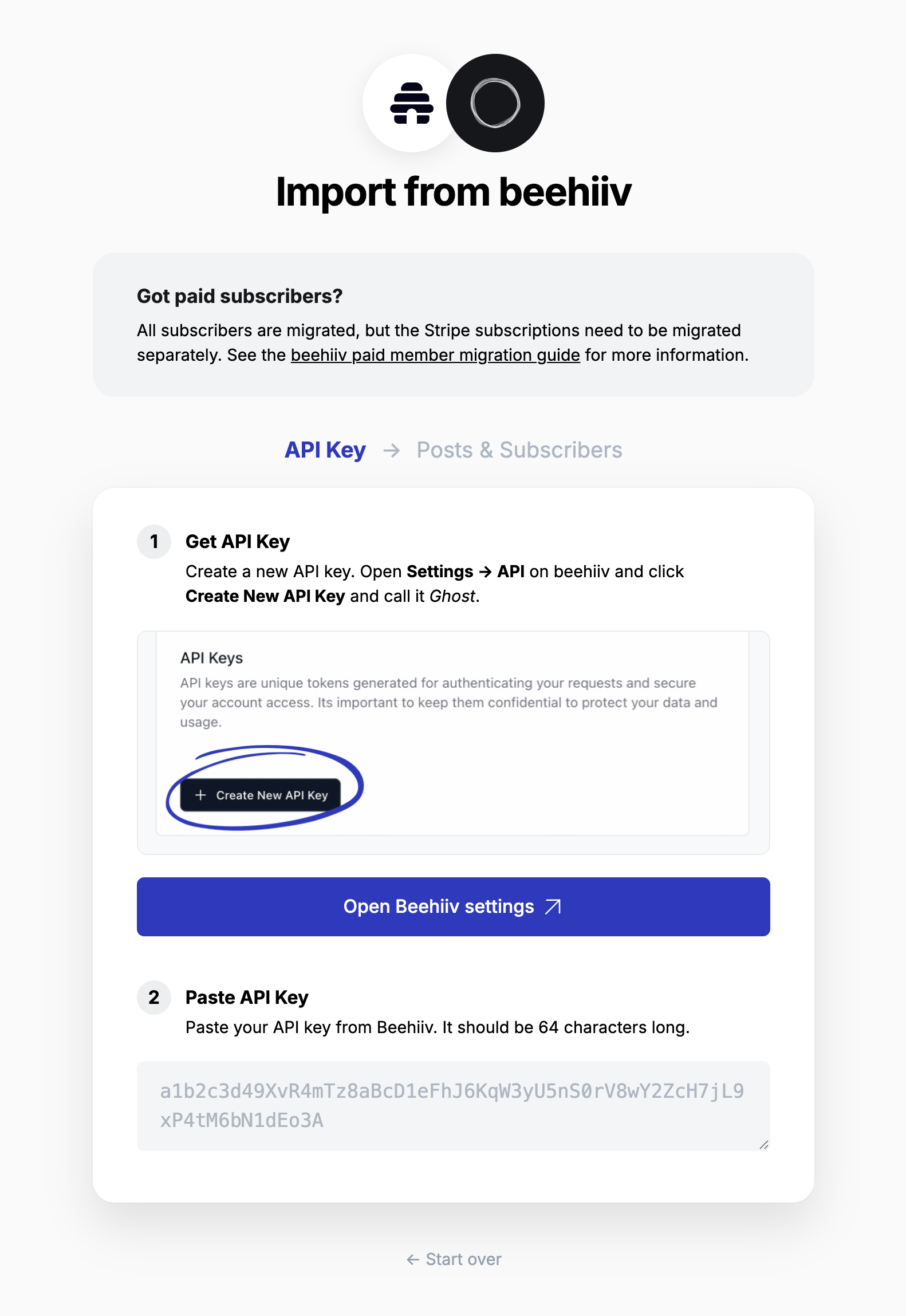
beehiiv API key

2. Select site

Any sites you have in your beehiiv account will be listed here. Select the site you want to migrate from. If you only have one site, it is preselected. Select if you want to migrate posts and/or subscribers, then click Continue.
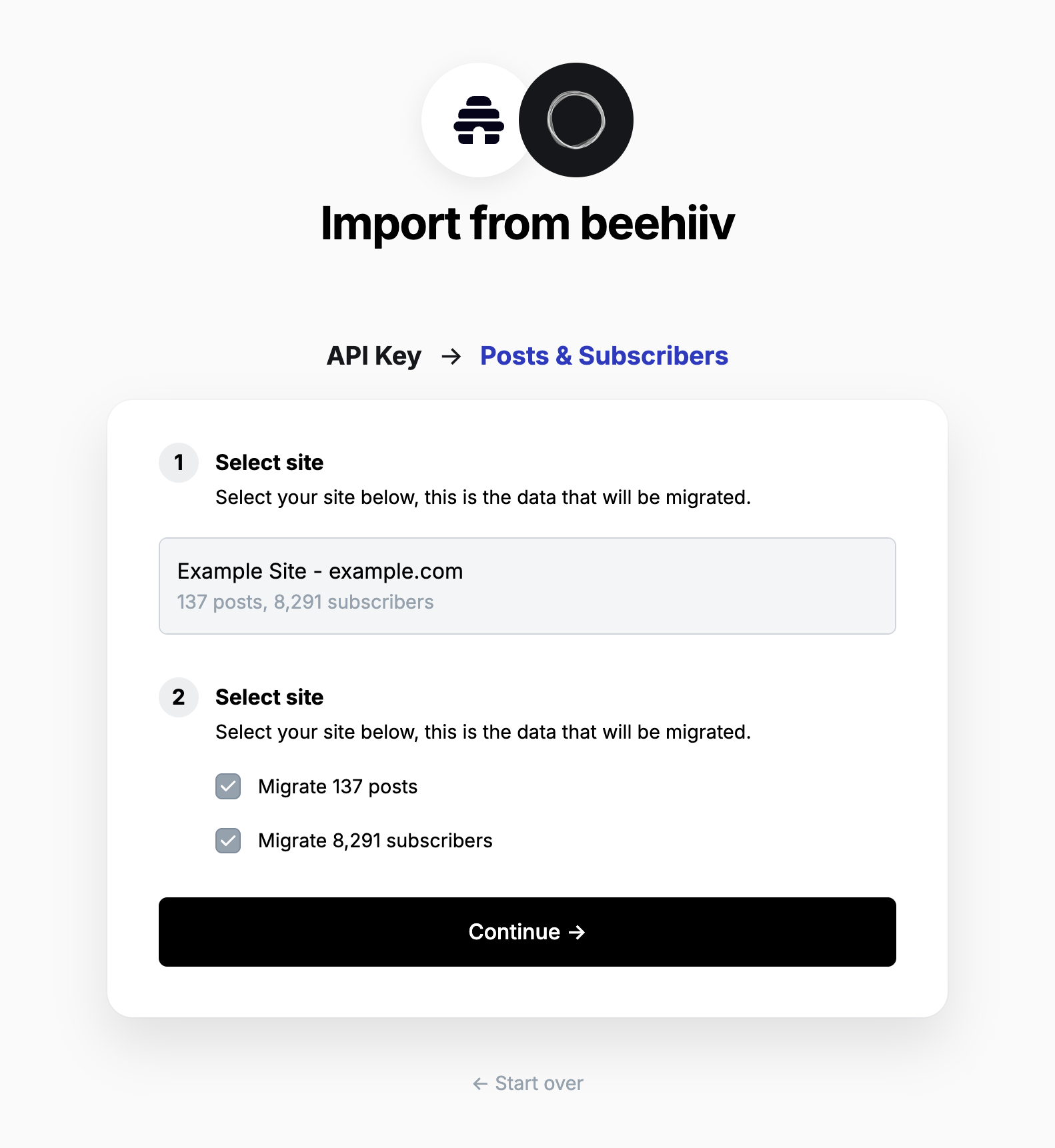
beehiiv select site

3. Review

Ghost will confirm the number of posts and members that will be imported to your publication. If satisfied, click Import content and subscribers to begin the import of your data.
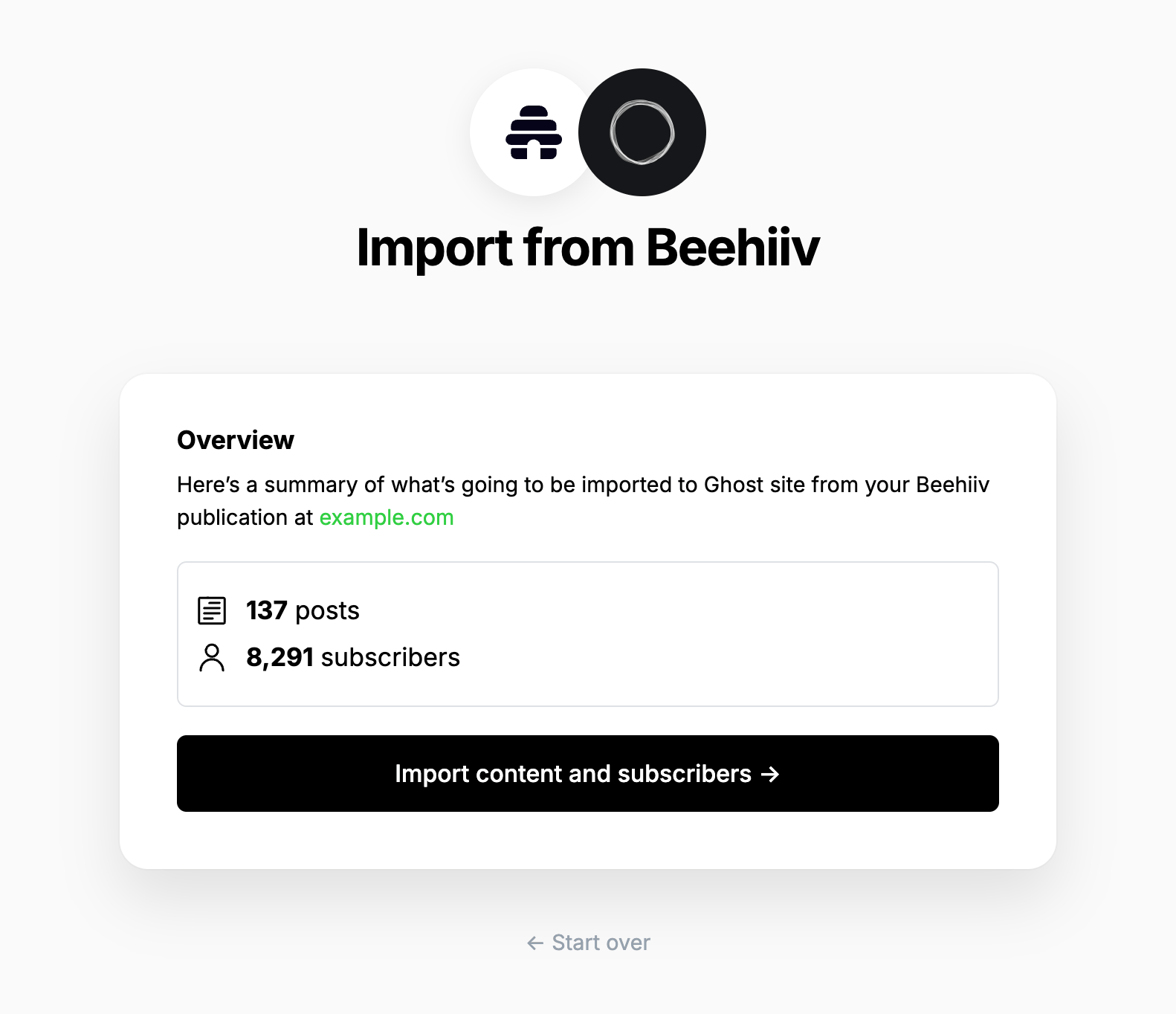
beehiiv summary
After a few moments, you’ll see a confirmation message, confirming that your data was successfully migrated to your Ghost site.

Statement descriptor

The statement descriptor is what’s shown on bank statements, and depending on how the account was set up, might include ‘beehiiv’ in the name. We recommend updating this in your Stripe public details settings.

Using custom domains

If you’re using a custom domain on beehiiv, you’ll need to implement redirects in Ghost to prevent broken links. beehiiv uses /p/ as part of the public post URL, where as Ghost uses it in the URL for post previews. This means the redirect regular expression is quite complex, but necessary so that post previews in Ghost function correctly.
# redirects.yaml
301:
  ^\/p\/(?![0-9a-fA-F]{8}-[0-9a-fA-F]{4}-[0-9a-fA-F]{4}-[0-9a-fA-F]{4}-[0-9a-fA-F]{12})(.*): /$1
  ^\/polls\/[0-9a-fA-F]{8}-[0-9a-fA-F]{4}-[0-9a-fA-F]{4}-[0-9a-fA-F]{4}-[0-9a-fA-F]{12}(.*): /
  ^\/t\/(.*): /tag/$1

302:
This means that if a visitor or crawler goes to https://mysite.com/p/awesome-post, they will automatically be redirected to https://mysite.com/awesome-post. For more information on beehiiv redirects, visit our guide here. The Stripe account associated with a beehiiv site cannot be used or connected to any other platform, therefore paid subscribers cannot easily be migrated from beehiiv to Ghost. However, it is possible to migrate customer data and subscriptions from one Stripe account to another account, which can be used with Ghost.
If you’re a Ghost(Pro) customer, our Migrations team can support you in migrating your content and subscribers. Learn more and get in touch with the team here.
If you’re self-hosting Ghost, or a developer comfortable with using the command line, you can use our open-source migration tools to migrate customers and subscriptions from one Stripe account to another. You can find the tools and documentation for this process here.

Large and Complex migrations

If your migration needs go beyond what our in-built migration tools can support you can still move to Ghost. If you’re a Ghost(Pro) customer, our Migrations team can support you in migrating your content and subscribers. Learn more and get in touch with the team here. Alternatively, if you are a developer, comfortable with using the command line, or running a self-hosted Ghost instance, we have a suite of open-source migration tools to help with large, complex and custom migrations.